Chapter 5 · 5 of 9
A research session, end to end
From an empty project to a documented conservation plugin. The figures below show what happens inside the guest at each step; the surrounding workbench is described alongside.
A researcher works entirely in the browser. The walkthrough below follows the path from creating a project to producing the deliverable, the way the web3d / VRML conservation work was actually done.
Create a project
In practice a project is one artwork. It is a private realm: its own version-controlled workspace (tools, notes, data), its own access group, and a code editor pre-seeded with a plugin skeleton. Students or collaborators are scoped to their own project and nothing else.
Pick a golden base and clone it
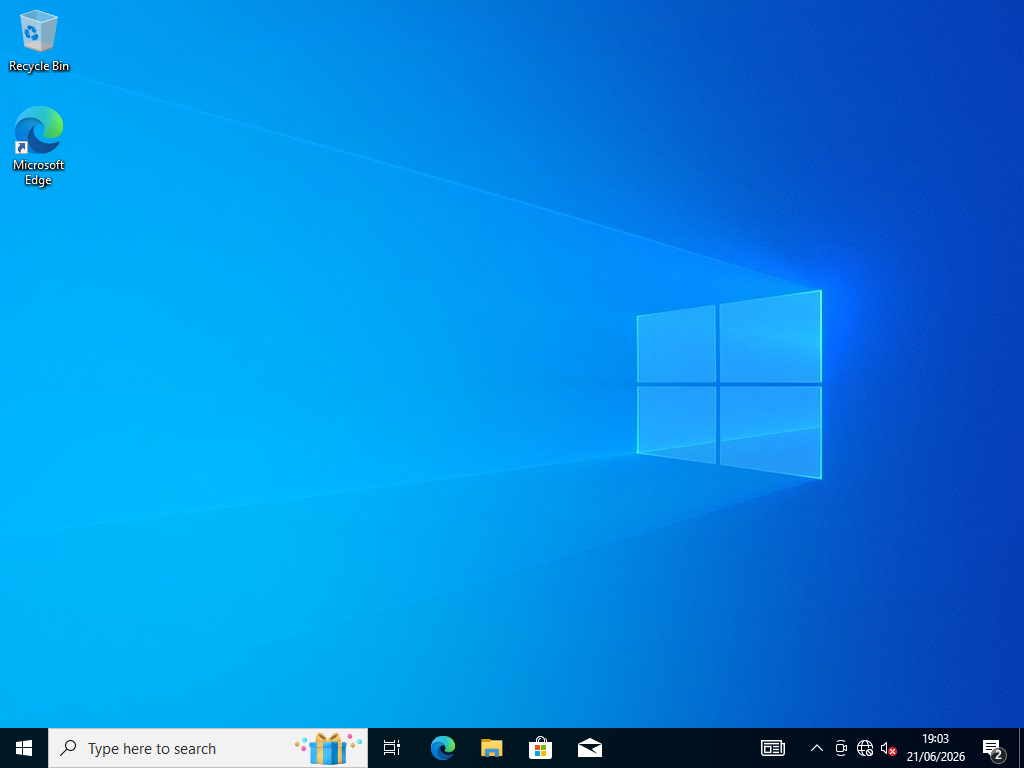
Choose a verified base — a sealed, ready-made master copy of a period system, called a golden image (the next chapter explains these) — say “let’s try Windows XP” — and the system makes an instant clone: a copy created in seconds that stores only what you change. Your VM boots in seconds, isolated on its own network.
Drive the machine in your browser
The VM’s screen appears live in a browser tab. You operate the old system directly — no remote desktop software inside the guest, no local install.
Bring the work up — install period runtimes
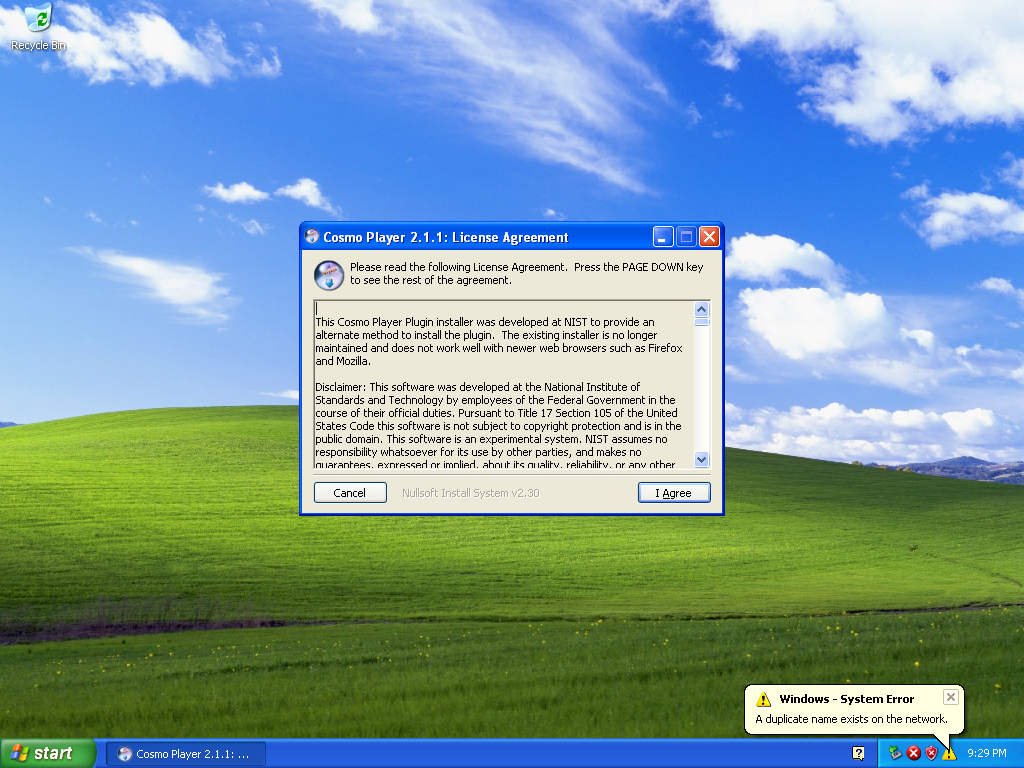
Most early-2000s works need a period plugin. The workbench keeps a catalogue of era-correct runtimes (Flash, Java, QuickTime, Shockwave, 3D players) with their provenance, and can install them — on Windows, even by clicking through an installer’s dialogs automatically.
Watch the network
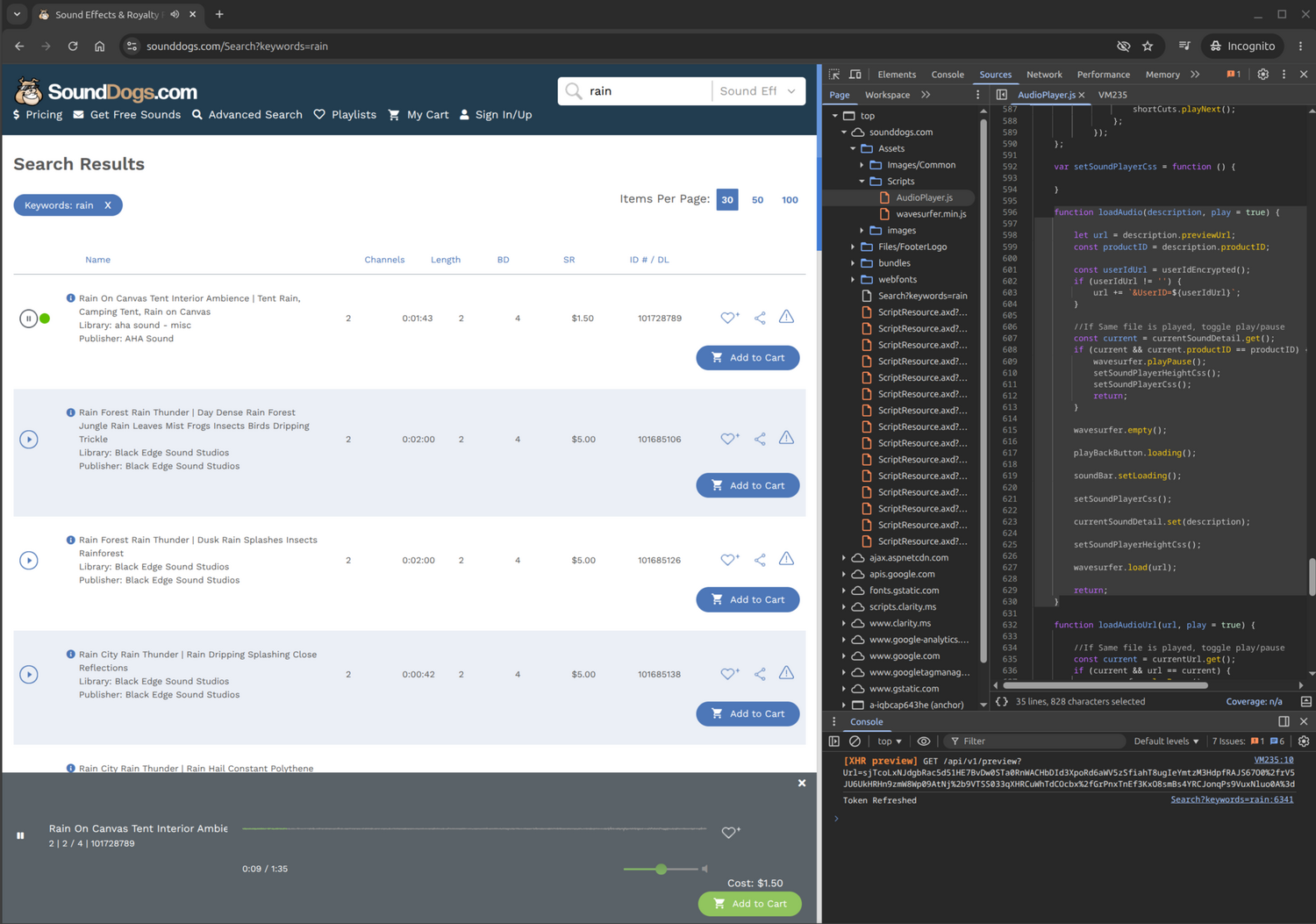
Each VM sits on an isolated network you can observe three ways: passive packet capture, an intercepting proxy that can decrypt HTTPS (via a certificate trusted inside the guest) and replay pages from a web archive, and stand-in services for servers that are gone. Answering what a dead server once served is a separate, shared piece: wayback-mcp, a small service over the Internet Archive (four read-only tools, speaking the Model Context Protocol — an open standard that lets AI assistants call tools) the analyst queries to find the right archived snapshots — distinct from the guest-side wayback-cache-proxy that then replays them back into the running VM.
Put the AI assistant to work — inside the guest
An AI assistant works inside the running machine over a host-only channel: reading files, running commands, reading the registry, installing software, and watching the network. The same tool library feeds both the chat and the AI built into the code editor; the model is reached by a swappable alias.
Beyond calling tools one at a time, rvmc has its own analyst agent — a bounded revival loop (read the autopsy report, boot the era machine, launch the work, verify it runs, snapshot a known-good state) that is itself exposed as a tool, so the chat or your own agent can hand it a whole job. Under the hood the AI stack is pydantic-ai over the LiteLLM gateway; it drives on request and never resets a machine on its own.
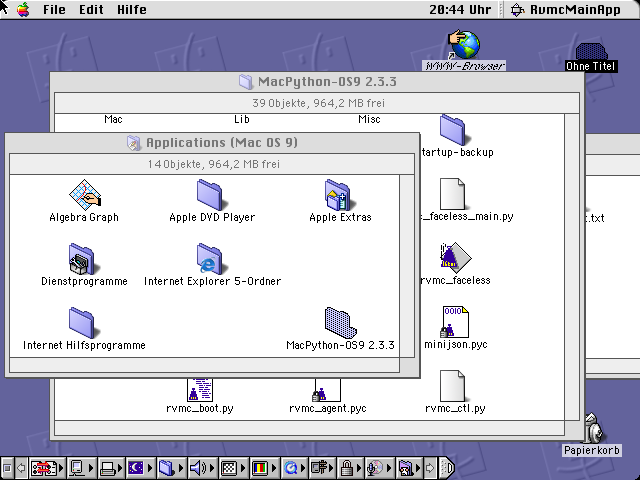
Snapshot before you experiment
Take a snapshot — a frozen, restorable copy of the machine’s exact state — before trying anything risky. Reverting is always a deliberate act — nothing resets on its own. Your workspace files are versioned separately with git (the standard version-control system), so code and machine state are independent axes.
Author the conservation plugin — the deliverable
The output is not a fragile one-off VM but a small, self-describing plugin that records how to revive and preserve the work: the base to clone, the steps to run, the dependencies to mediate. A real example ships in the project: a plugin that brings a 1990s VRML world back to life in Internet Explorer 6. The plugin is what you hand on, archive, or promote toward exhibition.